KML Import
- Torsten Schmidt
- Robin Sachse
Owned by Torsten Schmidt
Last updated: Oct 18, 2018 by Robin Sachse
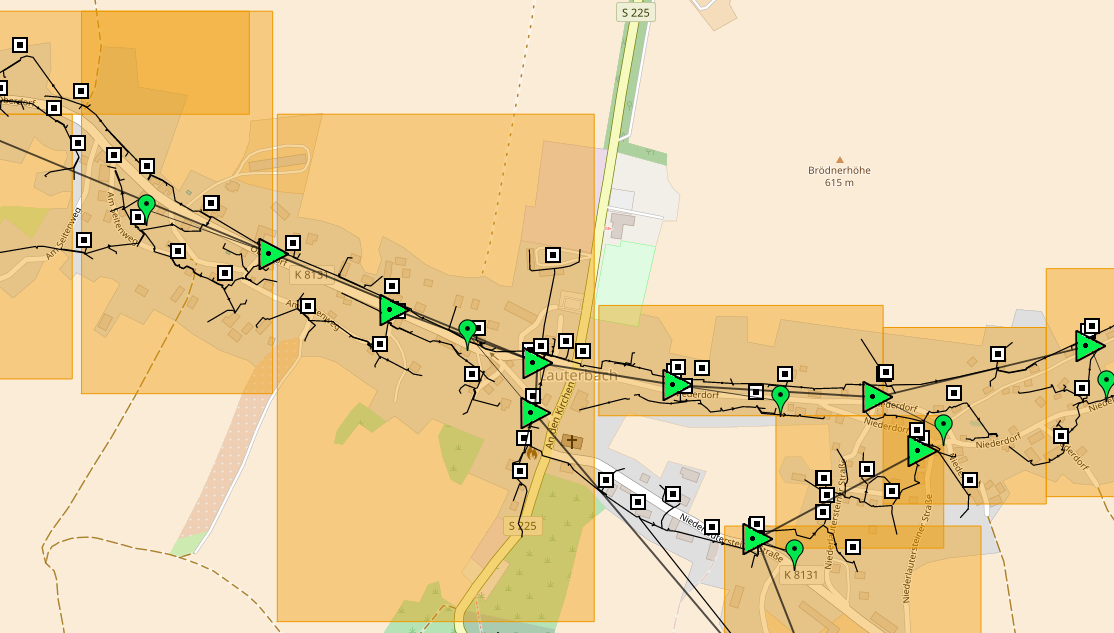
KML import enables you to show your cable plan in topography mode, like
Importing KMLs
Go to the Net Element and assign/upload a KML file, like

Format Issues
If you encounter formating issues during import, please follow this guide:
goto google maps / my places
- import the kml file which does not work like expected
- export the kml file with this settings:

- open KML file with a text editor
Search and replace the following string
http://www.gstatic.com/mapspro/images/stock/503-wht-blank_maps.png

	with

http://maps.google.com/mapfiles/kml/shapes/placemark_square.png
Save the file and upload to the net element
, multiple selections available,